Cubism parameter basics for clean motion
A compact introduction to parameter ranges, keyforms, and naming habits that keep later rigging predictable.
23 matching resources
A compact introduction to parameter ranges, keyforms, and naming habits that keep later rigging predictable.
Import a model, confirm tracking input, set initial parameters, and verify the model responds before adding hotkeys.
A cross-platform checklist for model export, texture folders, physics files, expressions, and first launch validation.
A practical calibration routine for neutral pose, mouth shapes, eye openness, and head movement range.
Short visual demo showing how input settings and particle counts change the feel of hair motion.
A reference-style workflow for grouping meshes, placing deformers, and avoiding hard-to-debug hierarchy problems.
The "Apply 3D Expression" feature is now available! This feature allows you to generate 3D rotated shapes instantly. This lets you easily create a base motion when creating a rotational motion for X a
Organize VTS hotkeys so expressions, props, tracking resets, and scene controls do not conflict.

Step-by-step official guide on setting up the modern Cubism 5 parameter controller, 60fps physics dynamics, and hair sway simulation.

Official beginner guide to Live2D Cubism 5.0+, covering the revamped interface, ArtMesh setup, deformer hierarchy, and modern workflow.

Official comprehensive tutorial on calibrating ARKit iPhone face tracking, setting up input smoothing, and mapping Live2D model parameters.

How to set up modern expression files (.exp3.json), parameter overrides, and texture swaps for VTS hotkey toggles.

Explore the major upgrades in Cubism 5.0, including revolutionary Blend Shape parameters, dark mode support, and performance optimizations.
Build reusable expression states and keep parameter changes reversible before exporting to a tracking app.

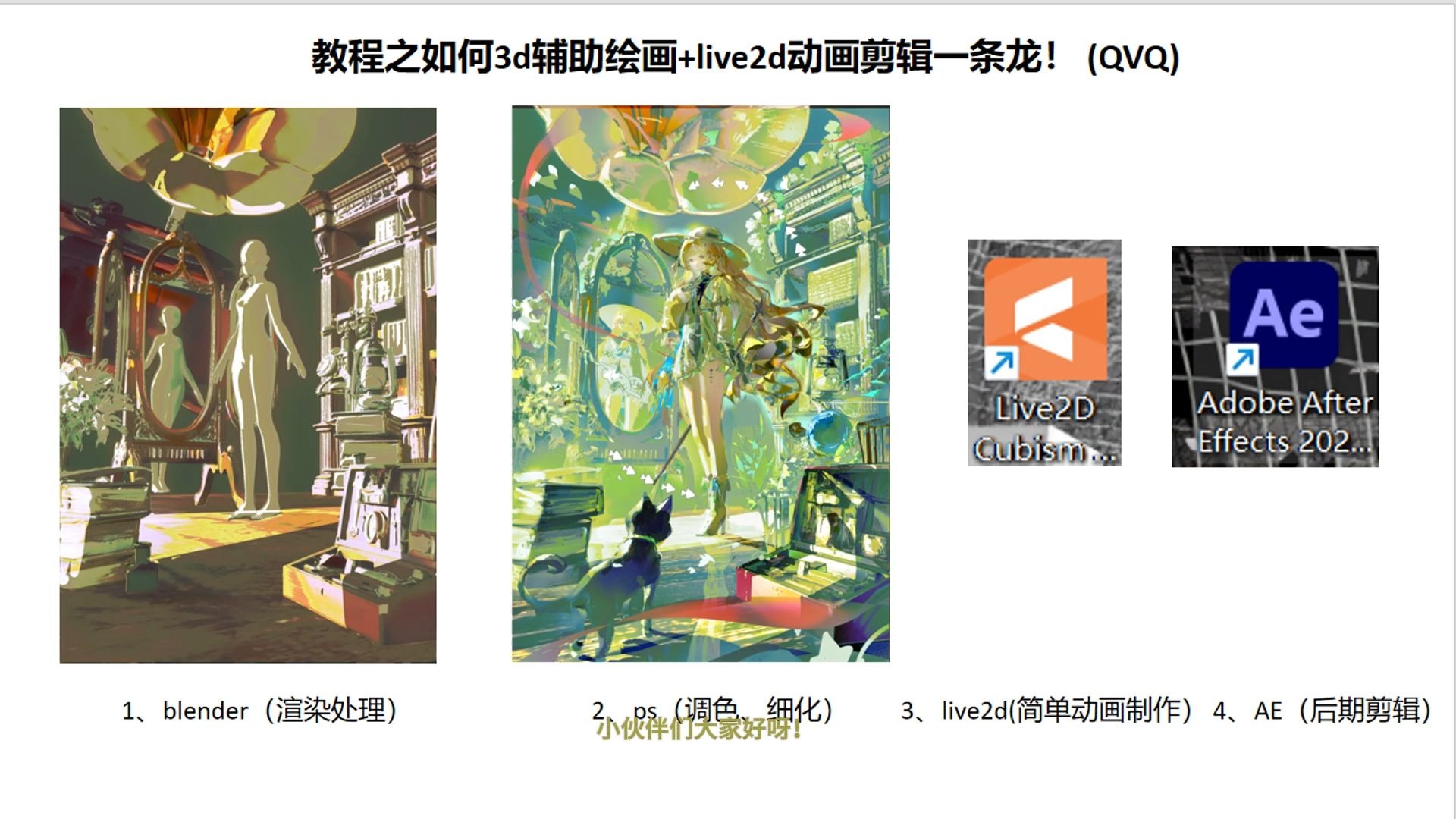
第一次做教程合集,新手大礼包在评论区获取~ 主打的一个学习分享和一起让OC动起来,也可以用自己的模型制作! 有什么不懂的地方欢迎评论区讨论嗷! 会持续的分享不同的学习记录(那得看我近期在玩啥) 祝大家学习愉快!!!!!!欢迎分享成果!!!!!!! 有啥想学的也可以说嗷,我们一起玩嘿嘿嘿~

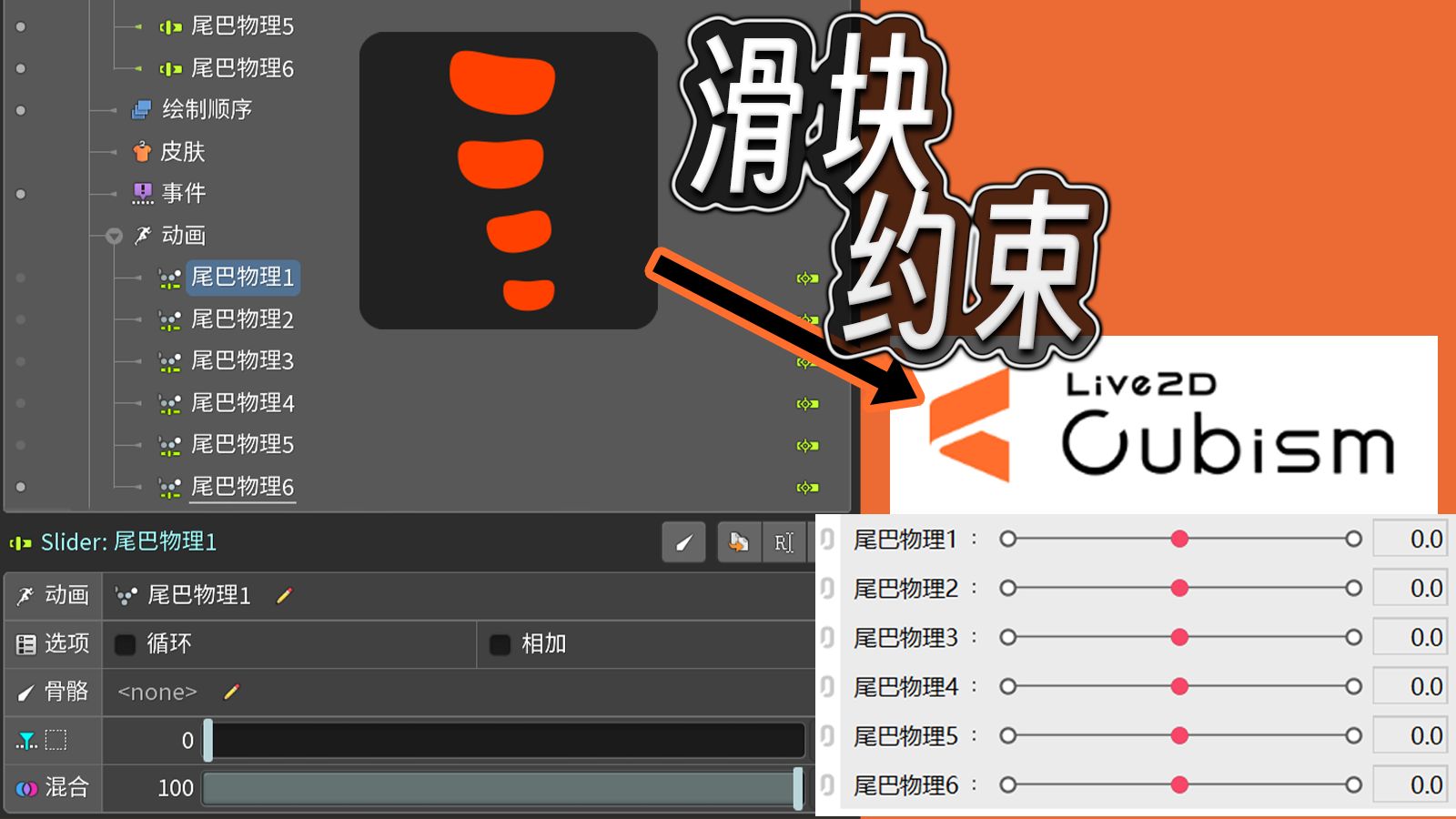
感谢单主的大尾巴素材 成功用spine复刻live2d的参数条物理效果(即可以自定义的物理摆动映射任意动画,而非spine物理原先的只能计算角度位移带来的物理摆动效果),同时更简单快速 简单来说就是物理骨骼作为滑块约束的控制骨,然后物理产生的旋转变化映射到滑块约束的参数条的变化,就是对应的动画里面的帧变化,这里的滑块约束的动画是转面,所以就是物理带动了转面,也可以扩展到其他动画,只要是动画都可以变

≈≈≈≈≈≈≈≈≈≈≈≈≈≈≈≈≈≈≈≈≈≈≈≈□ ITEM ■≈≈≈≈≈≈≈≈≈≈≈≈≈≈≈≈≈≈≈≈≈≈≈≈ 以热爱赋予万物生命!为给虚拟主播提供更大的平台而建立的社团企划。 招募/合作Q:1026627785;VX:JAV0827

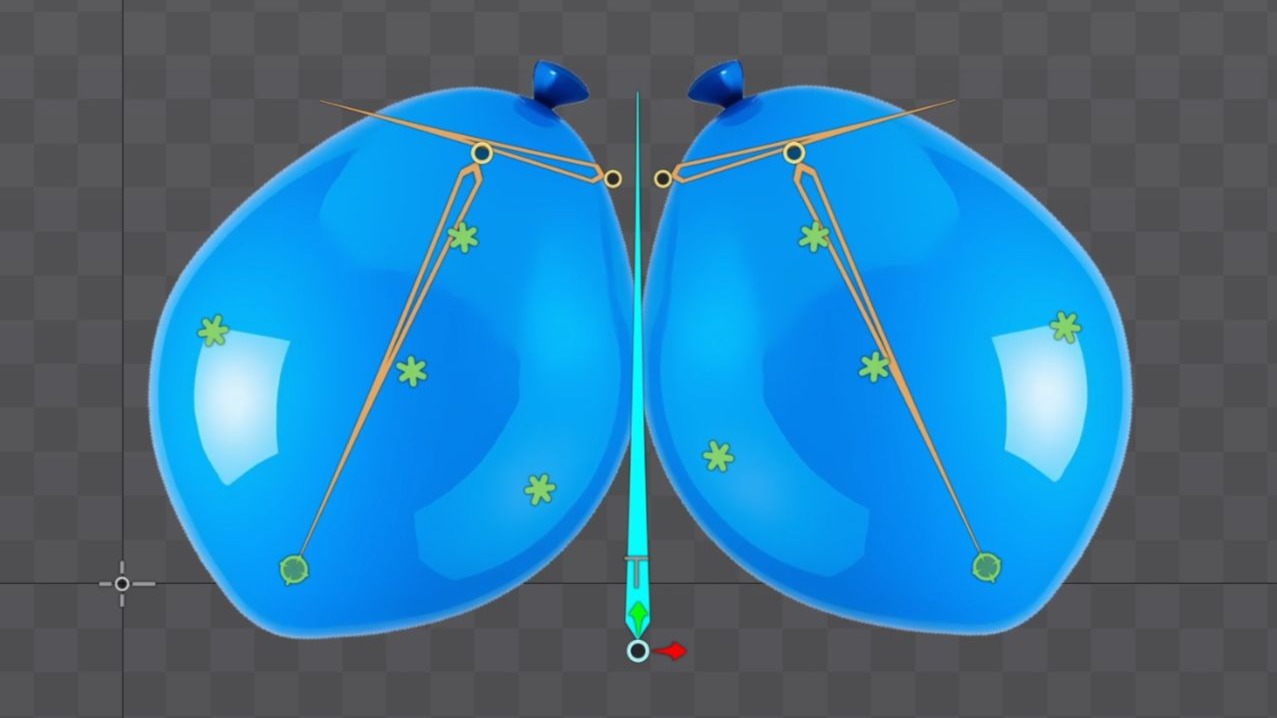
低版本的小伙伴没有新版变换约束的,可以用和中心骨骼垂直的骨骼使用变换约束的缩放来把垂直方向的缩放变成水平方向的缩放,然后再加个子级取消继承缩放即可,效果一样

一些自己的口型参数设置思路,请大家按照自己的说话习惯和五官使用习惯设置对应参数! 我用的是IOS面捕+VB,应该是目前最精准的识别方法,当然摄像头捕捉用我的这个视频设置参数也是能达到很不错的效果的。 另外又看见说加上麦克风声音输入识别会很精准的,我尝试了一下,发现效果没有想象中好,而且嘴巴动起来会有掉帧的感觉一卡一卡的,个人不太推荐加麦克风识别输入。

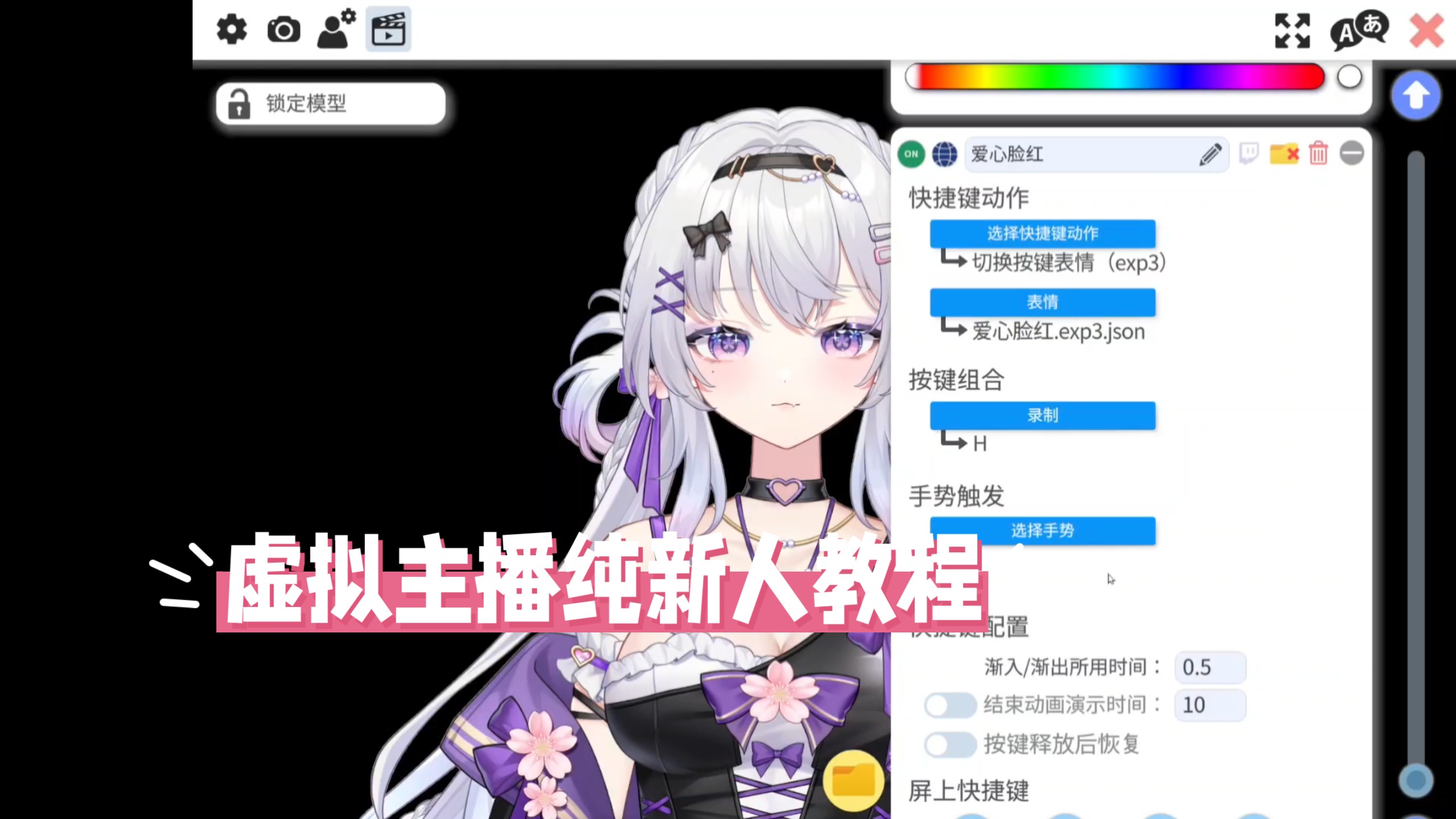
普通话不标准的我,真的不想做这个,但是买皮套的宝子,太多新人了,请耐心看看哦! 使用模型要下载steam和vtube studio,不要直接放到直播软件里面!

Vtube Studio的导入使用
Reference notes for interpreting older tutorials, spotting outdated menu paths, and translating them to Cubism 5.x.

希望能够帮到大家QVQ 非常感谢浔阳老师为live2d动画提供背景音乐 演示部分音乐:Back Seat (feat. Lourdiz)-Saweetie/ Lourdiz